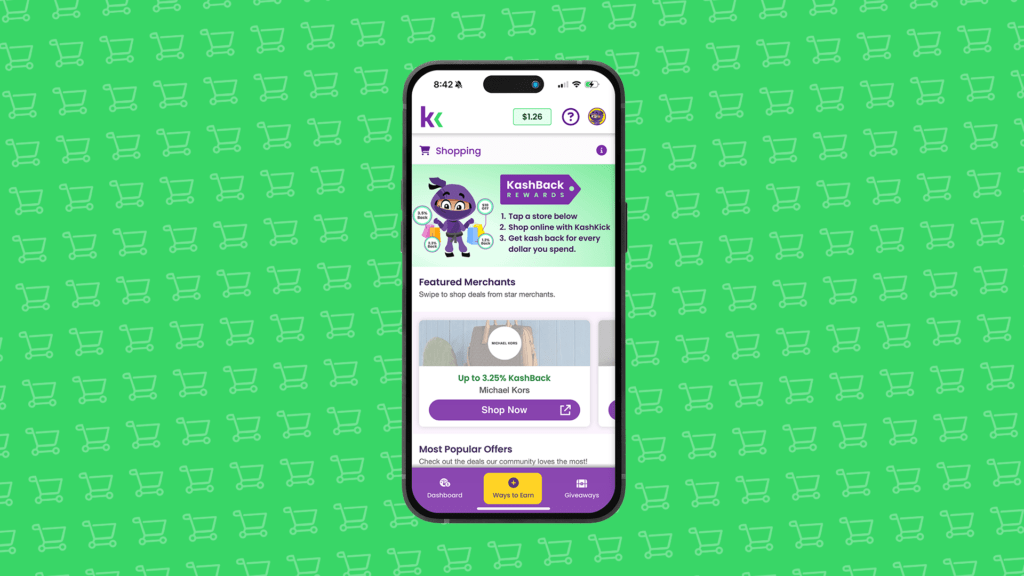

By now, online shopping is a way of life, from grabbing groceries to upgrading your wardrobe to splurging on little treats. But what if those same everyday purchases could automatically earn you money back?
That’s exactly what KashBack does.
KashBack by KashKick helps you earn cash back while shopping online with thousands of participating brands. Whether you’re shopping on your iPhone through Safari or browsing on your desktop with Chrome or Edge, KashBack turns your everyday habits into real rewards.
Why KashBack Is a Game Changer
KashBack doesn’t ask you to change how you shop. It just makes it more rewarding. From automatic coupons at checkout to cash back on everything from daily essentials to splurges, it’s like having your own personal shopping buddy on call.
Here’s what you’ll love about KashBack:
- Cash rewards for online purchases at your favorite stores.
- Automatic coupon application. No code hunting required.
- Real payouts sent straight to your KashKick account.
Plus, earn a KashKick reward after installing the extension and using it to complete your first qualifying purchase.
Whether you’re buying a must-have or just browsing, KashBack works behind the screens (pun intended) to make sure you get the best deal and earn a little something back.
Why Shoppers Love KashBack
If you’re someone who shops online, KashBack is one of the simplest ways to get paid to shop with minimal effort.
Earn on Your Routine Shopping
You don’t have to change your shopping habits. Just let KashBack handle it for you. From clothes to electronics to groceries, earn rewards on purchases you were already planning to make.
Save Instantly With Coupons
No more Googling for promo codes that never work. KashBack automatically applies the best available coupons at checkout, saving you money in real time.
Simply Set-and-Forget
Once KashBack is installed and enabled, it works in the background. No reactivating. No reminders. Just automatic savings and easy earnings.
Use It Every Day
This isn’t just for big shopping sprees. KashBack also works on everyday essentials, so even your basic restocks can earn you real rewards.
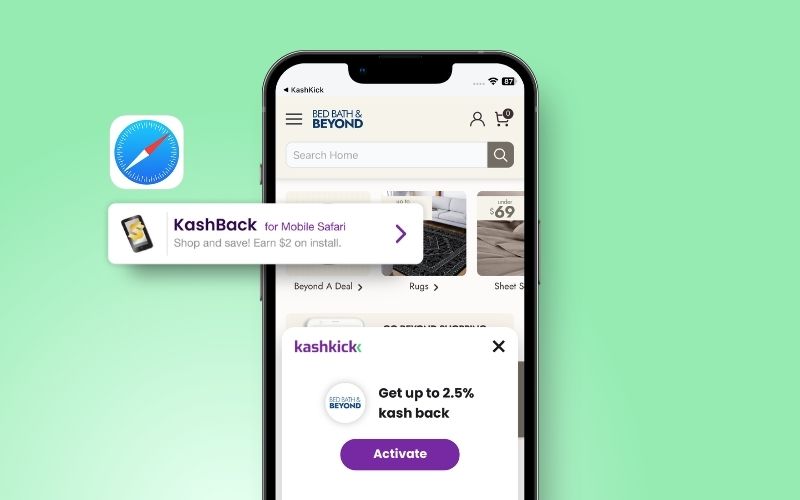
KashBack on iPhone (Mobile Safari iOS Extension)
If you shop on your phone, KashBack works through Safari on iOS.
Things to know:
- The KashBack Mobile Safari Extension is intended for Safari on iOS mobile devices.
- Purchases must be made on the merchant’s website, not on their app.
- Allow tracking and disable ad blockers to receive notifications and rewards.
- Rewards are subject to merchant approval. Exclusions and rules apply.
- Rewards may take time to confirm, depending on the merchant.
How to Set Up KashBack in Minutes
Getting started with KashBack is quick and painless, and the rewards can stack up fast. Here’s how to activate it:
Step 1: Activate the Offer in KashKick
First things first: Log into your KashKick account. Don’t have one yet? No problem! It’s quick and free to sign up.
Once you’re in, tap “Ways to Earn” and scroll to the KashBack by KashKick deal card. Tap “Learn More” for the details, then hit “Earn $.” That’s it. You’re on your way to earning while you shop.
Step 2: Choose How You Want to Shop
From here, you can earn in one of two easy ways:
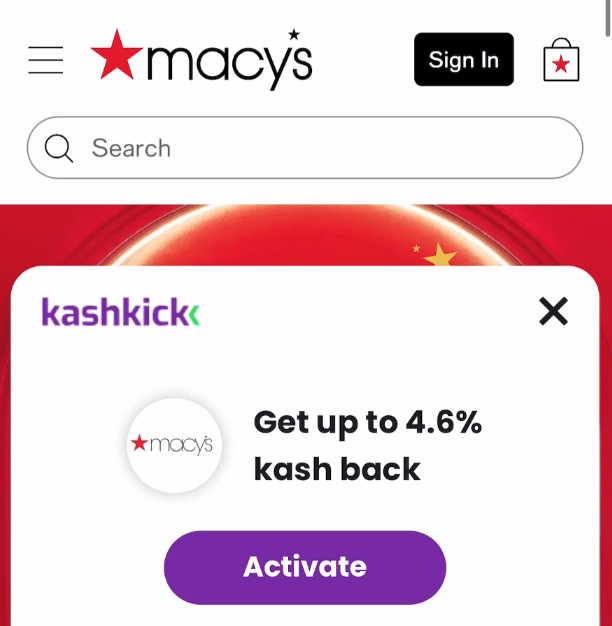
Option 1: Shop through the KashBack extension
Add the KashBack Mobile Safari extension for instant KashBack alerts as you shop from your phone.
Option 2: Start in the KashKick app
Check “Ways to Earn” in your KashKick app for active KashBack offers. From there, tap your favorite brand offers to activate them.
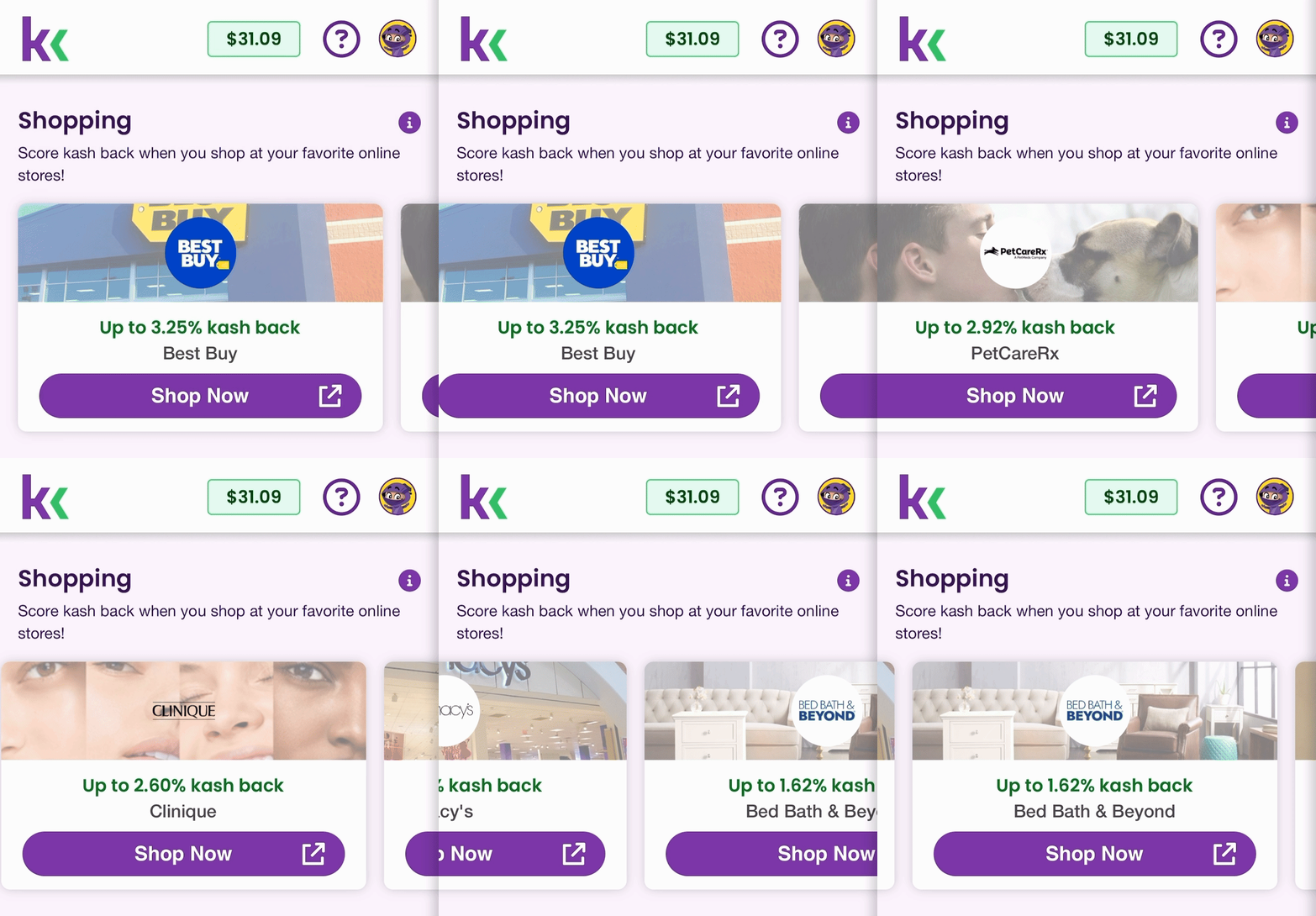
Step 3: Shop and Earn
Now for the fun part! Once you’ve added the extension or activated an offer in the app, shop like usual in Safari. Tap into participating brand offers, make your purchase on the merchant’s site and earn cash back on qualifying purchases.
Select “Always Allow” and “Always Allow on Every Website” to ensure tracking works properly.
Rewards may appear as pending while the merchant validates your purchase, then move to approved automatically.
KashBack on Desktop (Chrome & Edge Extensions)
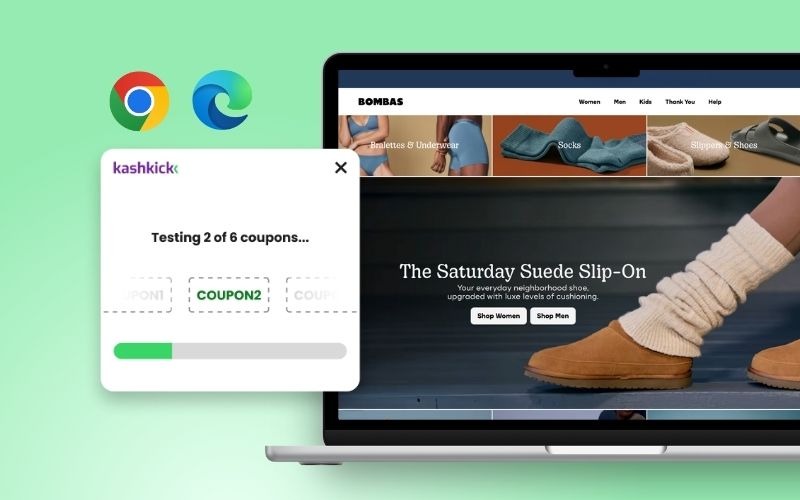
Prefer shopping on a laptop or desktop? KashBack now works there, too, with extensions for Chrome and Microsoft Edge.
What the desktop extensions do:
- Earn KashBack when shopping online with participating brands.
- Surface eligible offers while you browse.
- Automatically find and apply coupons at checkout when available.
- Track qualifying purchases back to your KashKick account.
Things to know:
- Rewards are based on qualifying purchases only.
- Exclusions and merchant rules apply.
- Rewards may appear pending while the merchant validates your purchase, then move to approved automatically.
How to Set Up KashBack on Desktop
Step 1: Activate the Offer in KashKick
Same as with iOS, start by logging into your KashKick account (or create a free KashKick account if you’re not already a member).
Once you’re in, head to the “Deals” section and look for the KashBack offer. Click “Learn More” to get the details, then hit “Earn $.” You’re officially on your way to earning while you shop.
Step 2: Enable Your KashBack Extension
Follow the steps in our KashBack desktop setup guide to enable the extension in Chrome or Edge.
Step 3: Shop As Usual
This is where the magic happens! Shop on merchants’ websites like normal, and activate your KashBack offers.
Step 4: Make a Purchase and Get Rewarded
When you’re ready to check out, KashBack will scan for and apply eligible coupons to save you money. Once you’ve completed your purchase, your earnings will be sent to your KashKick account.
Here’s how KashKick payouts work when you’re ready to cash out.
Start Earning in Just a Few Clicks
KashBack is one of the fastest ways to turn your everyday shopping into a steady stream of rewards. Whether you’re stocking up on essentials, sprucing up your space or finally buying that “should I do it?” item in your cart, KashBack makes it all more rewarding.
Ready to earn and save while you shop? Sign up for KashKick, then activate KashBack in your browser and start turning your purchases into payouts.
FAQs: KashBack by KashKick
Which browsers work with KashBack?
KashBack works with Safari on iOS mobile devices, plus Chrome and Microsoft Edge on desktop.
How long do KashBack rewards take to confirm?
KashBack rewards take time to confirm, depending on the merchant. Your reward shows as pending until the merchant validates the purchase, then moves to approved automatically.
Do purchases in a retailer’s app earn cash back?
No, purchases in a retailer’s app don’t earn cash back. Make your purchase on the merchant’s website so KashBack can track it.
Can you use a coupon and earn cash back on the same order?
Yes, you can use a coupon and earn cash back on the same order. KashBack applies the best available coupon at checkout, and your reward still tracks on the qualifying purchase.