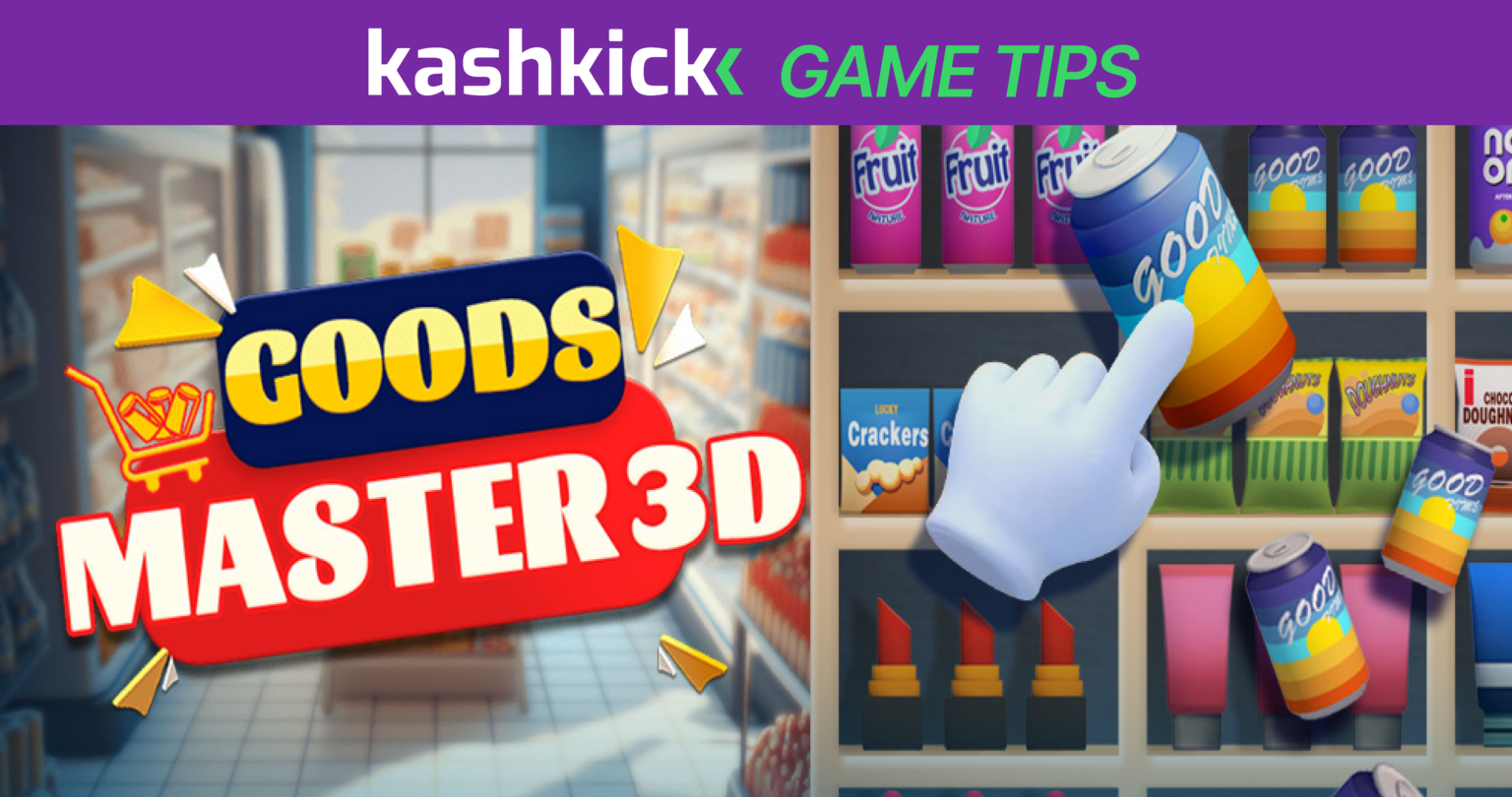

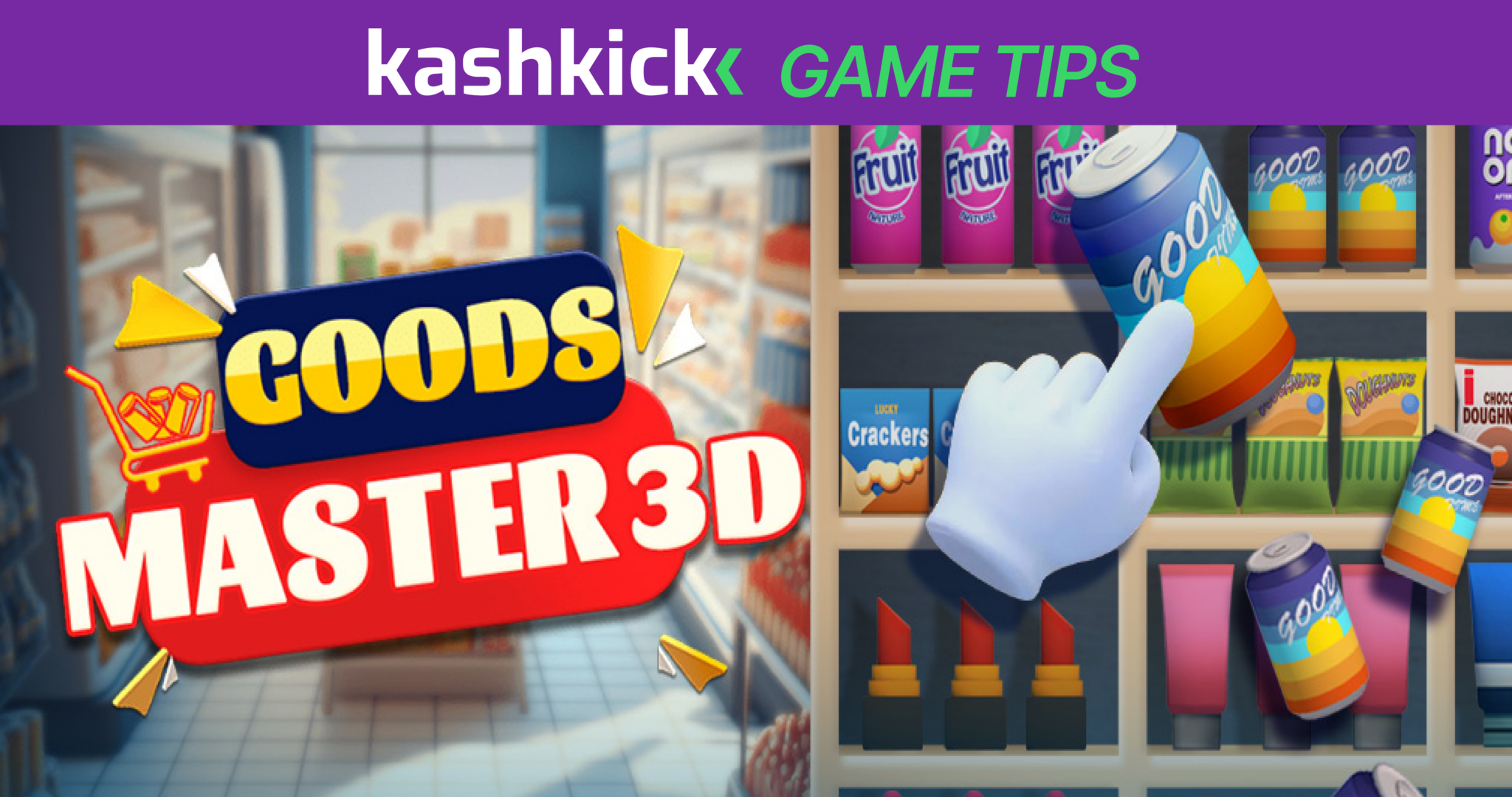
Goods Master 3D is one of those games that’s easy to underestimate. The concept is simple—tap and match identical 3D items in groups of three to clear the shelves—but the layouts get complex fast, and running out of holding space in a cluttered level is a real problem if you’re not thinking a couple of moves ahead.
If you’re interested in mastering Goods Master 3D, you can actually turn your pastime into an income with KashKick. The free platform allows you to make money playing games, taking surveys and trying apps. Just sign up for KashKick, find Goods Master 3D and start earning.
This guide covers the specific Goods Master 3D tips that keep your progress (and earnings) moving forward.
Note that game availability and earnings in KashKick vary.
Key Takeaways
- Goods Master 3D is a casual triple-matching puzzle game where you tap identical 3D items—snacks, drinks, fruits and more—to group them in threes and clear the shelves.
- Managing your holding slots carefully and clearing front-layer items first are the two habits that prevent most level failures.
- KashKick members can earn up to $190 Kash through level milestones, Turbo Earnings and bonus goals.
What Is Goods Master 3D?
Goods Master 3D is a mobile matching puzzle game, available for Android and Apple devices, where you clear shelves packed with hyper-realistic 3D items—fries, soda cans, snack bags, coconut slices and more. Tap three identical items and they clear from the board. The challenge is managing a limited holding area while working through layered shelves that obscure what’s underneath.
The game has over 1,000 levels, with realistic scene changes and an expanding product library as you progress. It’s playable offline, which makes it a solid pick for commutes or downtime. (For a preview, see the gameplay on YouTube.)
Why Play Goods Master 3D?
Goods Master 3D looks casual from the outside: tap items, clear shelves, repeat. But once you get a few levels in, the strategy becomes real— and so do the earnings. KashKick members can earn up to $190 Kash by reaching level milestones while they play.
Here are a few reasons players love Goods Master 3D:
- Simple to pick up, genuinely challenging to master. The triple-match mechanic takes seconds to learn, but the layered shelf layouts and limited holding space create real strategic decisions by the mid-game.
- Over 1,000 levels of content. New scenes and item types keep the game visually fresh well into the later levels.
- Plays perfectly offline. No Wi-fi required. This is a great game for commutes, waiting rooms or anywhere you want to earn without needing a connection.
- Boosters and skill cards add depth. As you progress, you unlock tools that help manage the trickiest layouts—saving them strategically makes a real difference.
- Generates kash through KashKick. Members can earn up to $190 Kash through level milestones, Turbo Earnings and bonus goals. For context, $1 Kash = $1 USD. And as soon as you earn $10, you can request a payout via PayPal, gift card or donation.
Note that in-app purchases are highly recommended to reach higher milestones faster. Be sure to visit the Goods Master 3D Facebook page for updates and occasional bonuses.
How Goods Master 3D Works
The game is built around one core action—tapping items to move them into a holding area—but the strategy lives in how you sequence those taps.
- Tap identical 3D items to move them into a holding row at the bottom of the screen. When three identical items are in the row, they clear automatically.
- Items on shelves are layered—front items must be cleared before items behind them become available.
- The holding row has limited slots. That means filling it with mismatched items blocks your ability to make progress and can end the level.
- Skill cards and boosters (like Time Freeze, Undo and Shuffle) can be used during tough levels to reset a bad situation.
- KashKick tracks your level progression. Each level completed advances your count toward milestones—and rewards.
These Goods Master 3D tips are drawn from the game’s mechanics and experienced player strategies—all specific to how this game works.
Goods Master 3D Tips to Clear Levels Faster and Earn More
The difference between players who breeze through Goods Master 3D and players who get stuck on the same level repeatedly almost always comes down to how they manage the holding row.
Keep these tips in mind as you advance to the more difficult levels.
Always Clear Front-Layer Items First
Items at the front of a shelf block everything behind them. Your first priority on any new level should be identifying and clearing the front layer before going after items deeper in the stack.
Reaching past blocked items to grab something that looks matchable is almost always a mistake—you’ll expose the front layer to more mismatches and fill your holding row faster than you can clear it.
Protect Your Holding Slots Like They’re Currency
Your holding row is the most valuable real estate in the game. Every slot you fill with a random item that has no match visible on the board is a slot you can’t use when you actually need it.
Before tapping anything, ask whether you can see at least one other copy of that item. If the answer is no, leave it alone until the board opens up. Running out of holding space is the most common way levels fail—and it’s almost always avoidable.
Work from the Bottom and Back of Shelves
Tapping items at the bottom or back of a shelf causes items above to shift and settle—which frequently reveals hidden matches that weren’t visible before. This is especially useful on crowded levels where the top layers look like a mess.
Working from the back forward rather than the front backward is a counterintuitive habit that experienced players use to uncover combinations faster.
Clear Large Items Early
Oversized items take up more visual space and often cover multiple smaller items beneath them. Getting them off the shelf early opens up the board significantly and makes it much easier to identify what’s left. Large items lingering on the board late in a level create confusion and force you into reactive tapping rather than planned moves.
Save Skill Cards for Levels After 40
Skill cards are scarce and worth saving. The early levels are designed to be completable without them—the difficulty spike hits meaningfully around Level 40 and beyond, where layouts get more complex and the margin for error shrinks. Burning skill cards on easy levels before then is the most common waste in the game.
Use Time Freeze Early, Not at the Last Second
On timed levels, don’t wait until you’re nearly out of time to use a Time Freeze booster. Using it early gives you space to think through the board without pressure, which leads to better decisions and fewer mistakes. Using it in the final seconds is reactive—you’re already in a bad position by then and the booster doesn’t fix the underlying situation.
Check In Daily for Boosters
The game rewards daily login with boosters like Undos and Shuffles. These become increasingly important in the higher levels where layouts are more complex and a single bad tap can create a cascade of problems. Collecting them consistently means you’ll have a reserve when the tougher levels arrive rather than hitting a wall with nothing left to use.
Time Your Purchases for Turbo Earnings
There are two Turbo Earnings milestones—Level 100 in 3 days and Level 200 in 10 days. Both require a qualifying in-app purchase before reaching the corresponding level. The Level 100 Turbo has an aggressive 3-day deadline, which means you need to purchase and start moving quickly the moment you download. Plan your purchase timing before you start playing, not after you’ve already hit the level.
Earn More with KashKick Playing Goods Master 3D
KashKick tracks your Goods Master 3D level progress automatically once you download through the platform. The early milestones are achievable with consistent play—Level 30 in 7 days is a comfortable pace—but the Turbo Earnings deadlines are tight and require advance planning.
Standard milestones:
- Reach Level 30—earn $0.30 Kash (7-day deadline)
- Reach Level 50—earn $0.50 Kash (10-day deadline)
- Reach Level 70—earn $0.70 Kash (20-day deadline)
- Reach Level 130—earn $1.00 Kash (20-day deadline)
- Reach Level 180—earn $2.50 Kash (30-day deadline)
- Reach Level 300—earn $6.00 Kash (40-day deadline)
- Reach Level 400—earn $10.00 Kash (40-day deadline)
- Reach Level 500—earn $15.00 Kash (50-day deadline)
- Reach Level 800—earn $30.00 Kash (60-day deadline)
- Reach Level 1000—earn $50.00 Kash (90-day deadline)
Turbo Earnings (require qualifying in-app purchase before hitting milestone level):
- Reach Level 100—earn $20.00 Kash (3-day deadline)
- Reach Level 200—earn $40.00 Kash (10-day deadline)
Bonus goals:
- Purchase the $9.99 pack—earn $4.00 Kash (7-day deadline)
- Purchase the $12.99 pack—earn $10.00 Kash (7-day deadline)
You can compare Goods Master 3D to other games that pay real money to see how the earning structure stacks up.
Pacing note: Level 100 in 3 days for the first Turbo milestone is the tightest deadline in this offer. You’ll need to download the game, make your purchase immediately and play aggressively from day one to qualify. The standard track is more forgiving, but Levels 800 and 1000 require sustained daily play over 60–90 days to reach.
A few other notes before you start: This offer is for new players only. You’ll need a phone less than 3 years old with the latest OS installed—update your OS before installing the game, not after. Avoid deleting the app or skipping levels—both can reverse earned rewards. Note that any pending reward may also be removed if you stop playing or uninstall the game during the pending period.
If you’re playing through KashKick, the kash you earned goes through a pending period of 1–65 days (average 28 days) before it’s available to Kash Out.
Miss a deadline on an early milestone? You can still earn on future challenges—the track doesn’t lock you out. And keep in mind milestones and earnings can vary.
Start Playing Goods Master 3D for Real Money
Apply these Goods Master 3D tips from the start—protect your holding slots, clear front-layer items first, save skill cards for after Level 40 and time your purchase for the Level 100 Turbo—and you’ll move through the milestone track far more efficiently than players who just tap through without a plan.
Download Goods Master 3D through KashKick and start working toward your first milestone today. With consistent progress, members can earn up to $190 Kash across level milestones, Turbo Earnings, and bonus goals. For inspiration, explore other ways KashKick members enjoy earning.
Want even more ways to up your income? Check out ways to make money from your phone and how to make money online. Most of these don’t even require you to leave your house!
FAQs on Goods Master 3D Tips
How fast can I earn playing Goods Master 3D on KashKick?
The first milestone—Level 30—has a 7-day window, so there’s no need to sprint from day one. The pace builds from there. The Turbo milestone at Level 100 has only a 3-day deadline and requires a qualifying purchase before reaching that level, so plan for that early if you’re targeting the full $190 Kash. Members who stay consistent can work through the full track over 90 days. See how it stacks up to other money earning games on KashKick
How do I get paid for playing Goods Master 3D?
Once your level milestones are validated through KashKick, kash is credited to your account. Kash converts 1:1 to USD, and you can Kash Out via PayPal, for a gift card or make a donation. Learn more about why KashKick pays you.
What are Turbo Earnings in Goods Master 3D?
Turbo Earnings are higher-value milestone bonuses that require a qualifying in-app purchase before reaching the corresponding level. There are two Turbo milestones—Level 100 and Level 200—worth $20 and $40 Kash respectively. The Level 100 Turbo has a 3-day deadline, so your purchase needs to be tracked immediately after downloading.
What happens if I run out of holding space in Goods Master 3D?
Running out of holding slots means you can’t tap any more items and the level ends. The best way to recover mid-level is to use a Shuffle booster, which rearranges items on the shelf and may reveal new matches, or an Undo booster to return the last item you tapped back to the shelf. Preventing the situation is better than reacting to it—keep at least one or two slots open at all times by only tapping items you can see a match for.
Does Goods Master 3D have timers on its levels?
Some higher-level stages in Goods Master 3D are time-limited, while earlier levels let you play at your own pace. KashKick’s level milestones also have deadlines, so maintaining consistent daily progress matters regardless of whether individual levels are timed. The Time Freeze booster is your best tool for timed levels. Use it early rather than waiting until you’re nearly out of time.